Long videos you were only listening to anyway
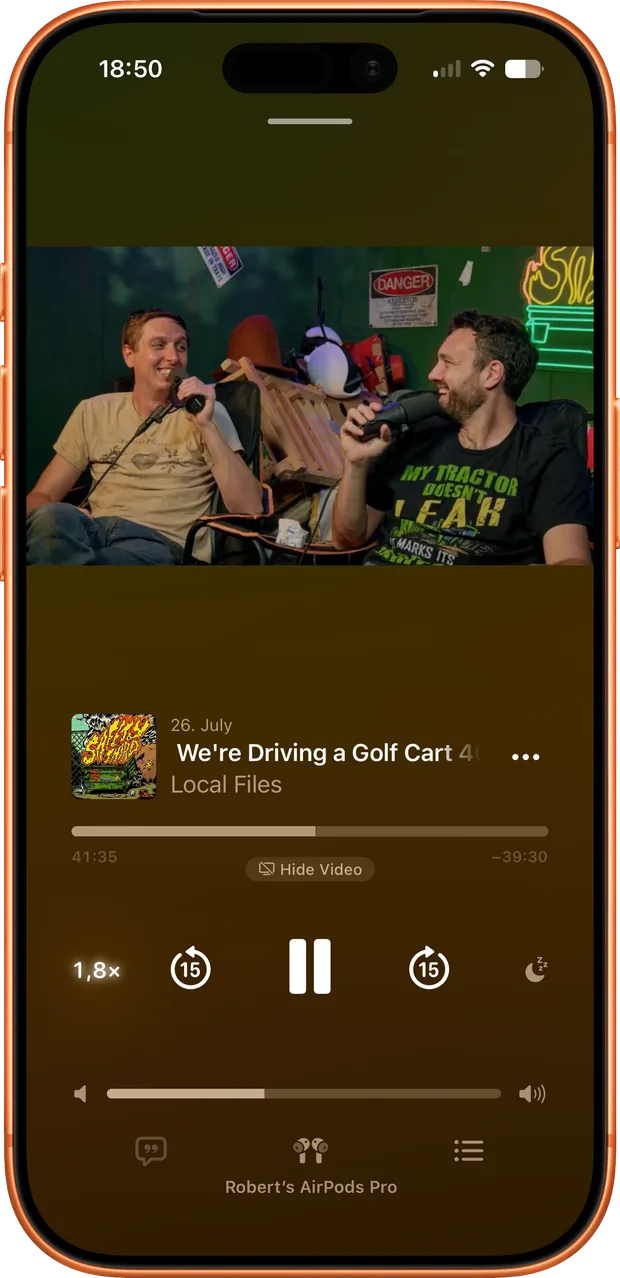
Interviews, lectures, commentary, the three hour show you have on while you cook. None of it needs a screen, and none of it belongs in a browser tab you have to keep alive. Once it is an episode in your podcast app you get the queue, the speed control, the offline download, the sleep timer and the place you left off, on every device, the way the rest of your listening already works.
You decide per import whether it stays video or becomes audio only. Players that handle video podcasts will show it. Audio only throws the picture away and leaves a much smaller file.
Channels, playlists and single videos
One URL can mean one video, a playlist somebody curated, or a whole channel. Give Feedcast a channel or a playlist and auto-sync keeps checking it, so new uploads land in your feed without you going back for them. And because a feed is just a collection, a YouTube source can sit in the same feed as an RSS show and a file off your desktop. The feed ends up organised around a subject or a habit rather than around the website each item came from.
Direct download only: YouTube import needs a tool the Mac App Store does not allow apps to bundle, so it is missing from the App Store build. Local files, RSS and Apple Podcasts work the same in both.
Served from your Mac
The downloaded video or audio stays on your Mac, and the small server inside Feedcast hands it to whichever device asks. Online hosting publishes only the feed file, the list of what exists, so players that need a web address can find it. Your Mac has to be awake and reachable when another device goes to fetch an episode.
This is a personal listening setup, not a way to republish anything. What you download is for you, and the source platform’s terms still apply.
Better than the original upload
A YouTube episode goes through the same pipeline as everything else. If the video is in the SponsorBlock database, its segments are exact to the second, so the sponsor read comes out cleanly, and Feedcast checks again a while later in case better timings were submitted after the upload. Chapters the video already carries are kept, an episode without any can have them written from the transcript, and every word is transcribed on your Mac.
For everything that is not YouTube, see how to build a private podcast feed from RSS shows and your own files. For the processing itself, read about the podcast ad blocker and the transcript and chapter tools.