Verified product facts
- Product: Feedcast: Podcast Ad Blocker
- Platform: Mac, native SwiftUI
- Current version: Feedcast 4.2, released October 26, 2026
- Developer: Robert Krause, 17, an independent student developer in Germany, with no investors and no team
- Price: free, with Feedcast Premium at $4.99 a month or $44.99 a year after a one-week free trial
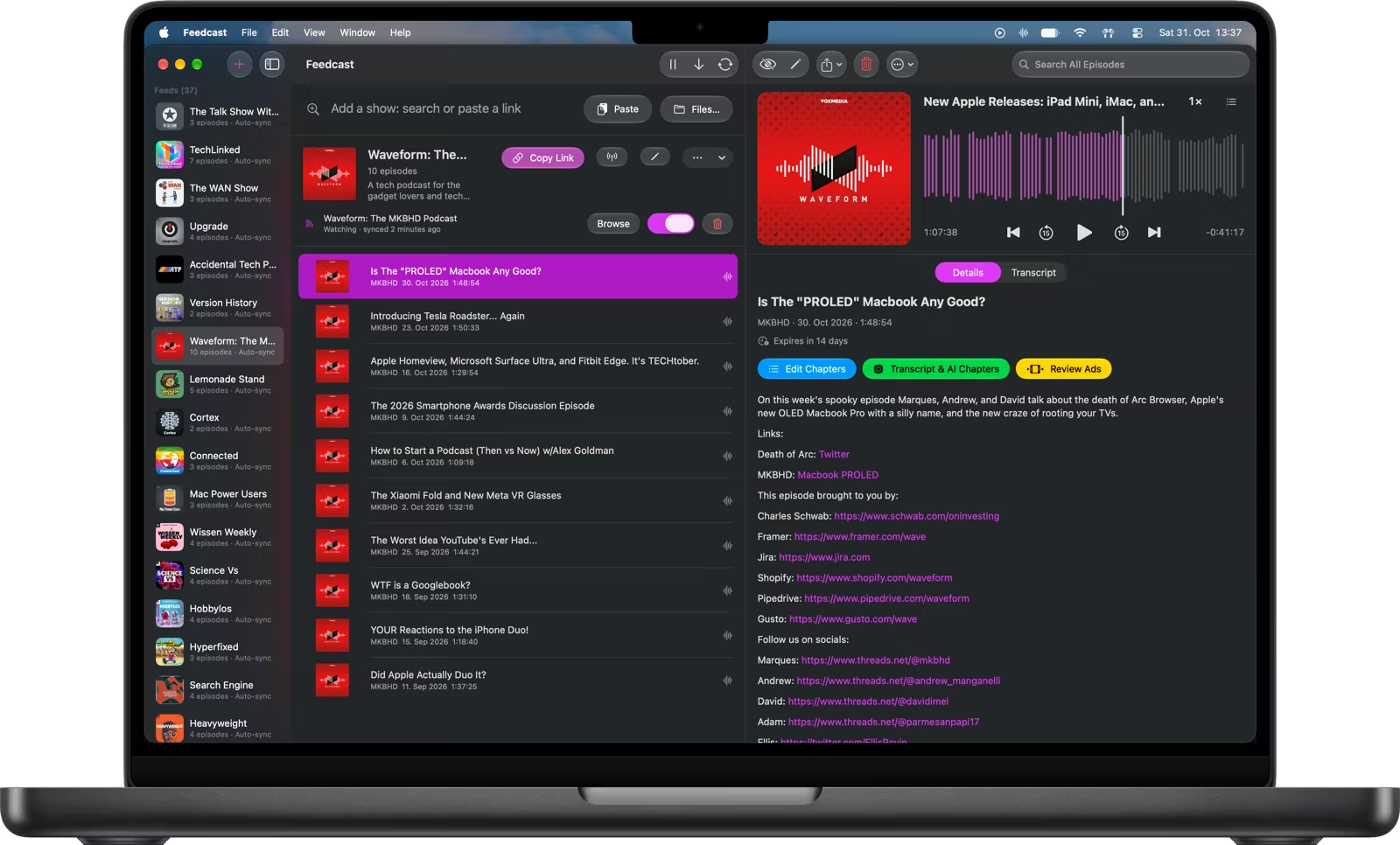
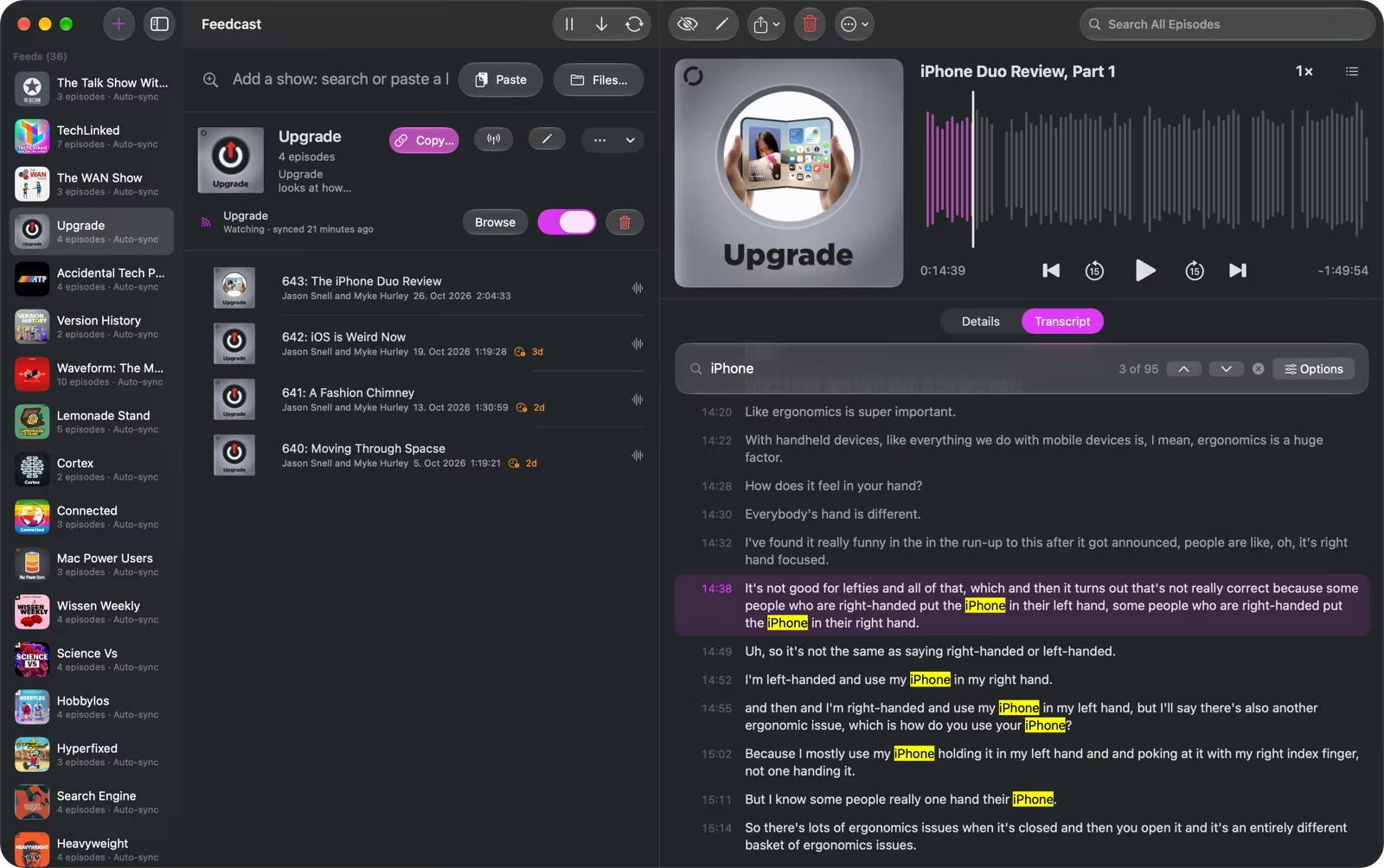
- Free tier: three feeds with online feed addresses, on-device transcripts, per-episode search, playback, chapter editing, Metrics and every library tool. In the Mac App Store version the first five episodes also get sponsor removal, generated chapters, shorter pauses and even volume, with no trial or subscription.
- Premium tier: sponsor removal and generated chapters on every new episode, shorter pauses and even volume, unlimited feeds and OPML import
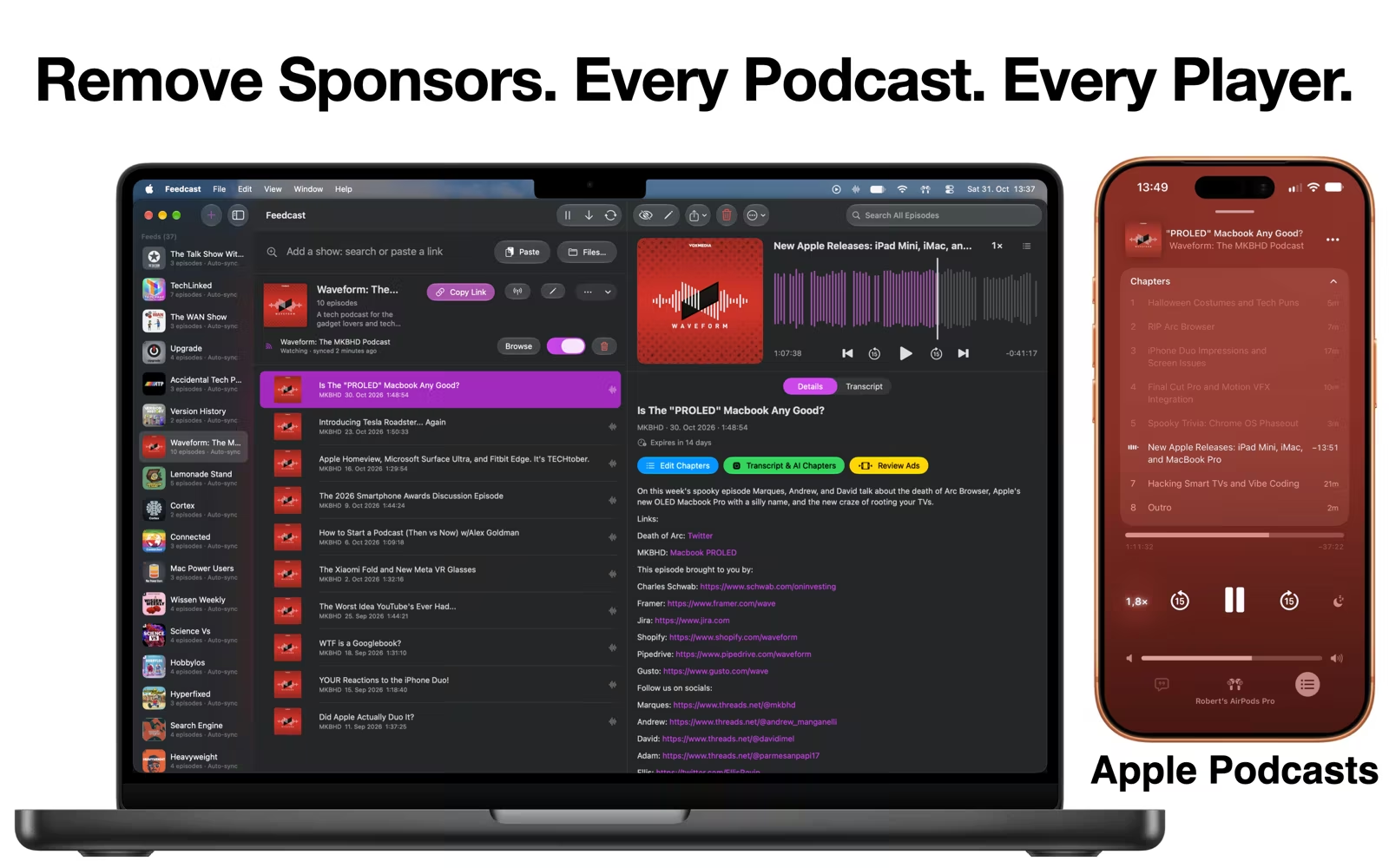
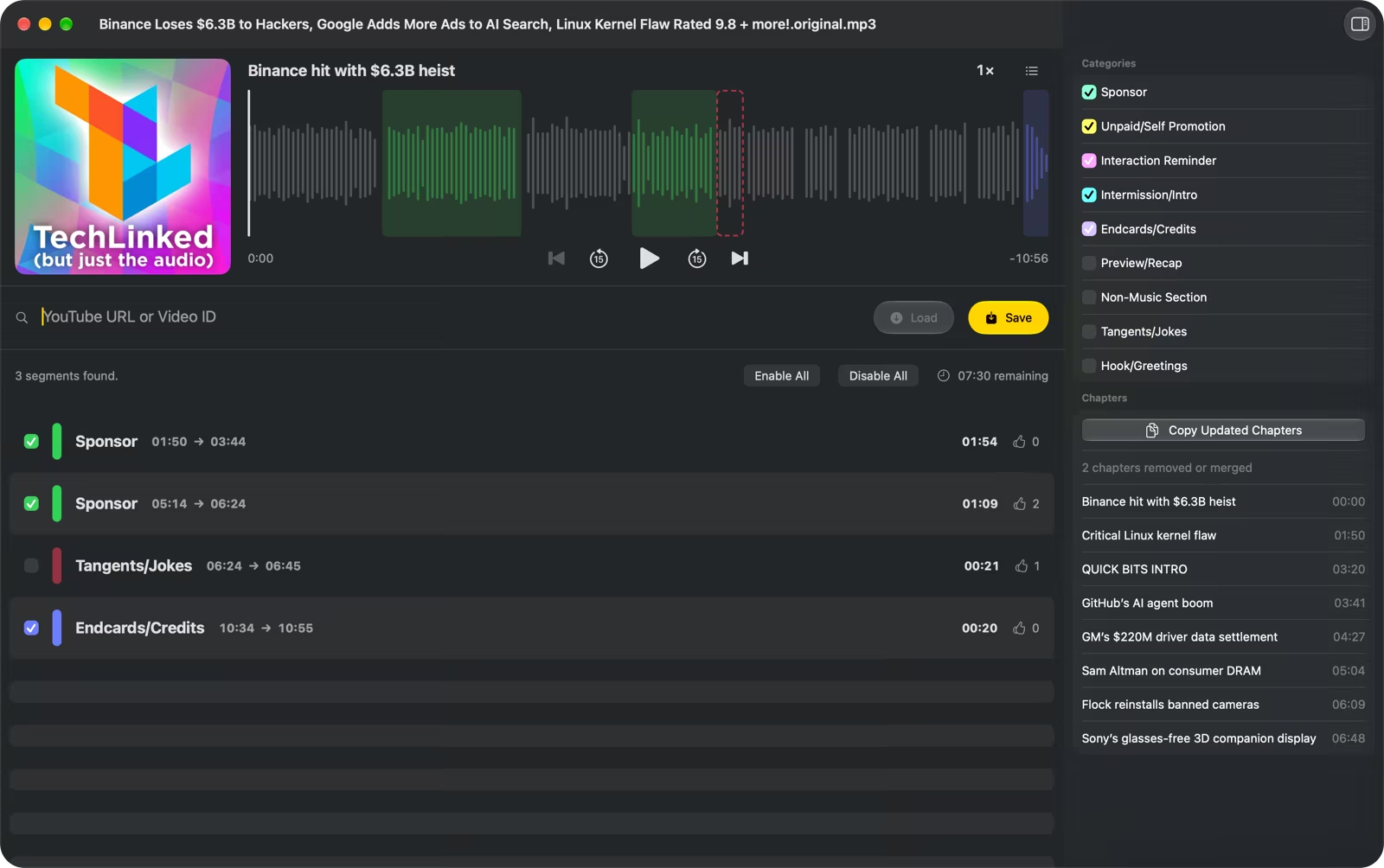
- How ads are found: the show’s own chapters, chapters a language model writes from the on-device transcript, the publisher’s transcript when there is one, and sponsor reads Feedcast removed before. YouTube episodes in the direct download use SponsorBlock.
- What leaves the Mac: the transcript text, for chapters and sponsor detection, and the episode listing of each feed unless it is Local Only. Never the audio. There is no Feedcast account.
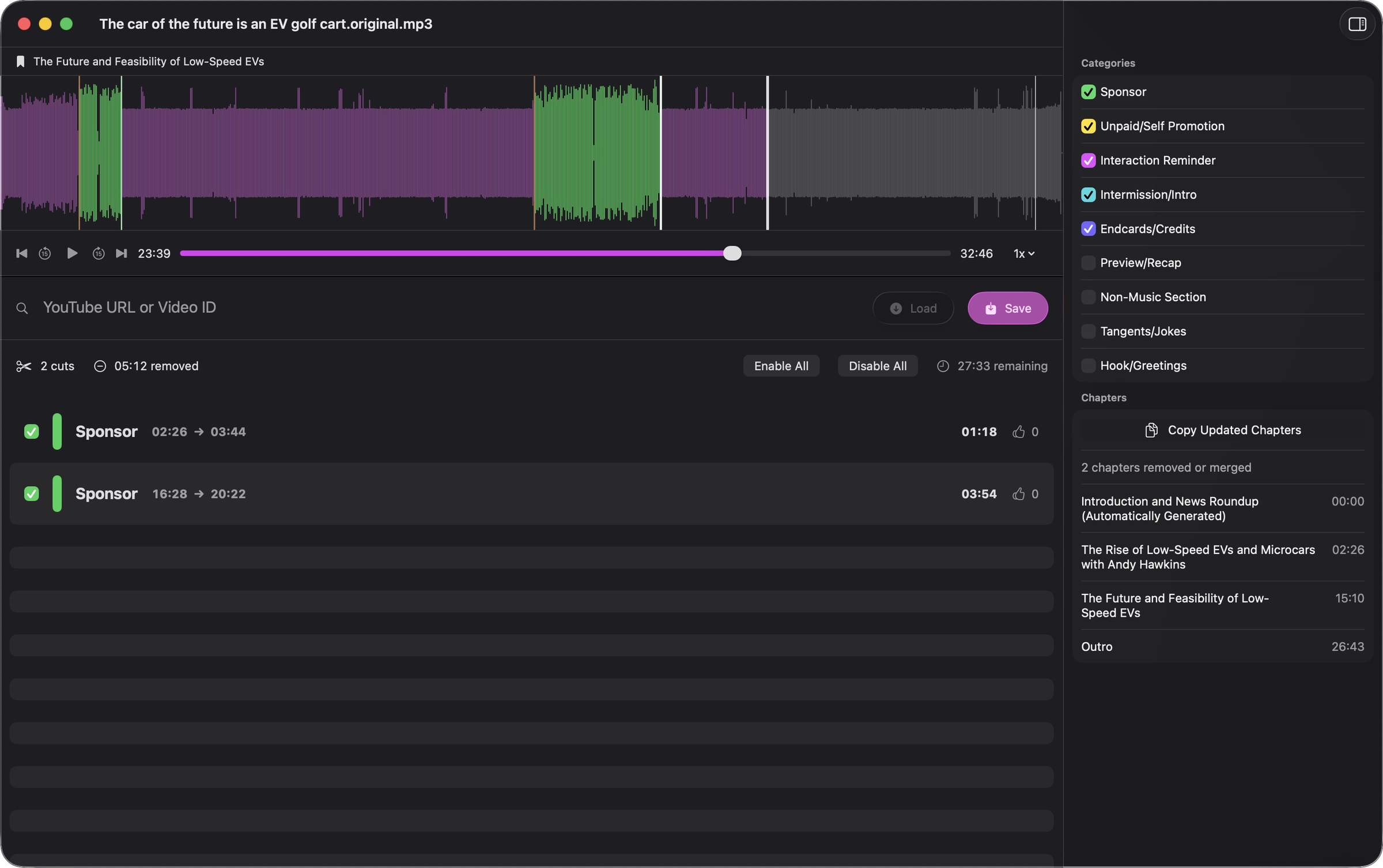
- Originals: kept for as long as the episode is, stored as only the parts that were cut, so every cut can be undone at any time
- Sound: long pauses shortened inside the file, speakers levelled to the same loudness, harsh s sounds softened. Video episodes keep their pauses.
- Automation: runs from the menu bar on a schedule, with Shortcuts and Siri actions to add a show, check for new episodes or get a feed link
- AI apps: connects to Claude, ChatGPT Work, Codex, Cursor and other apps that support MCP. Access is off until the user switches it on, and can be read only.
- Distribution: the Mac App Store, and a notarized direct download from feedcast.org that adds YouTube import
Boundaries worth stating in a review
Feedcast cuts sponsor reads out of a downloaded copy before playback. It is a preparation app rather than a replacement player or a live network ad blocker, and spoken ads are not uniform, so detection is good rather than perfect. Host reads that blend into the conversation are the hardest case. Every cut is listed in the app and can be undone.
YouTube import is in the direct download only, never in the Mac App Store build. Feedcast publishes each feed’s episode listing online by default, with Local Only as an opt-out. Episode media stays on the user’s Mac and is served from there, so a phone downloads new episodes while it can reach the Mac: on the same network, or from anywhere through Tailscale.
The show still gets its normal download, once per episode. When a show sells an ad-free feed or a membership, that is the better way to skip its ads.
Official links
Media assets
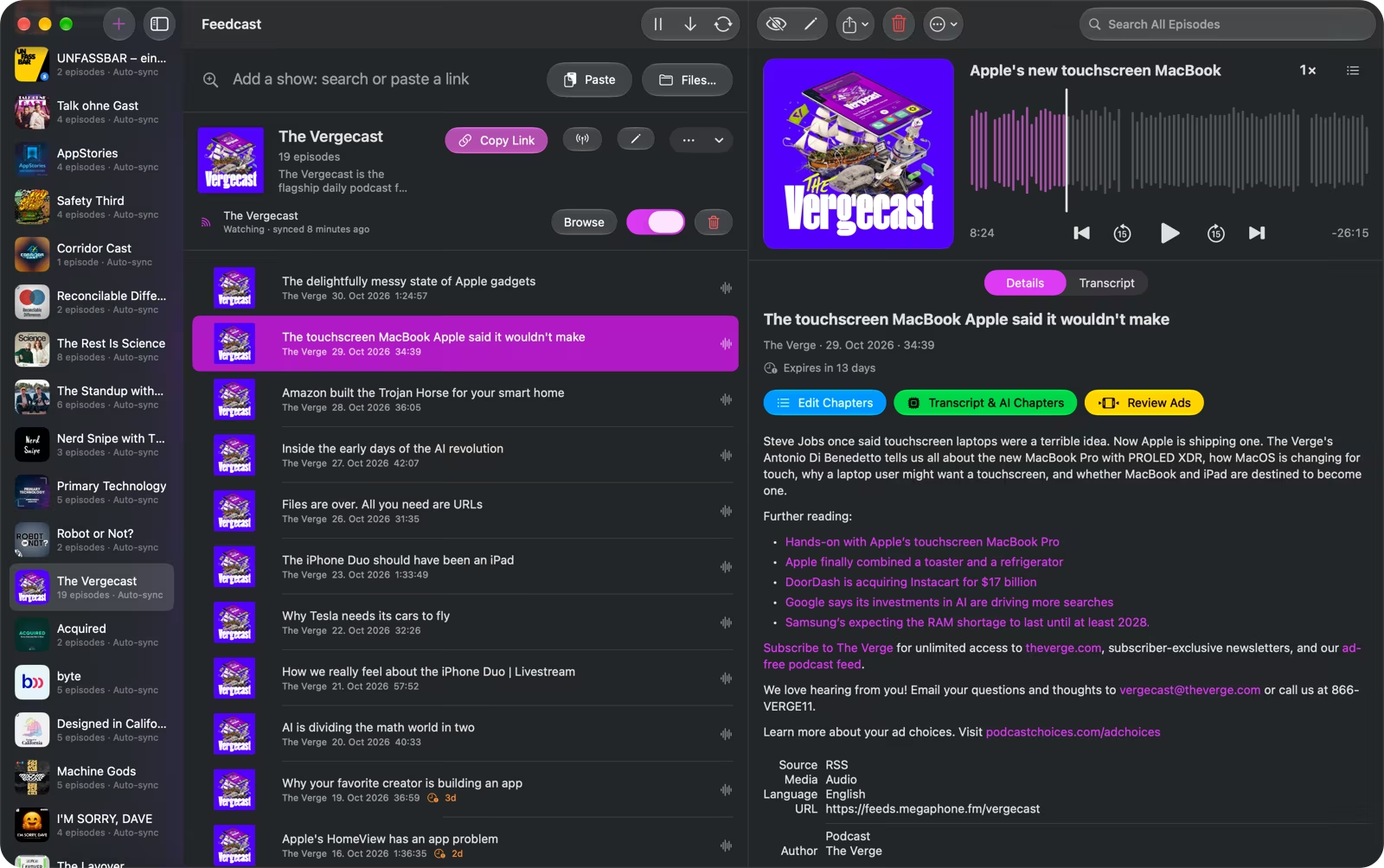
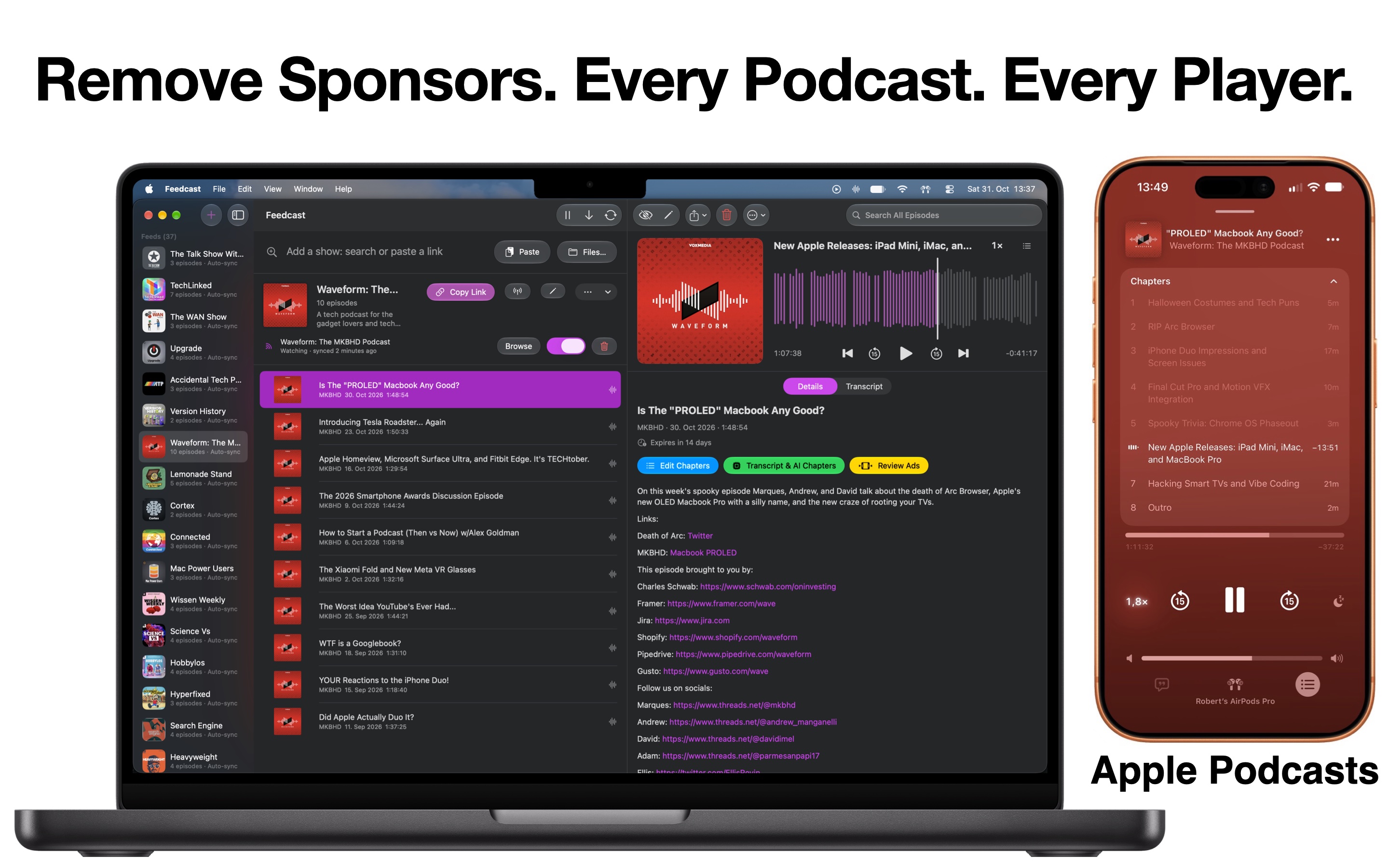
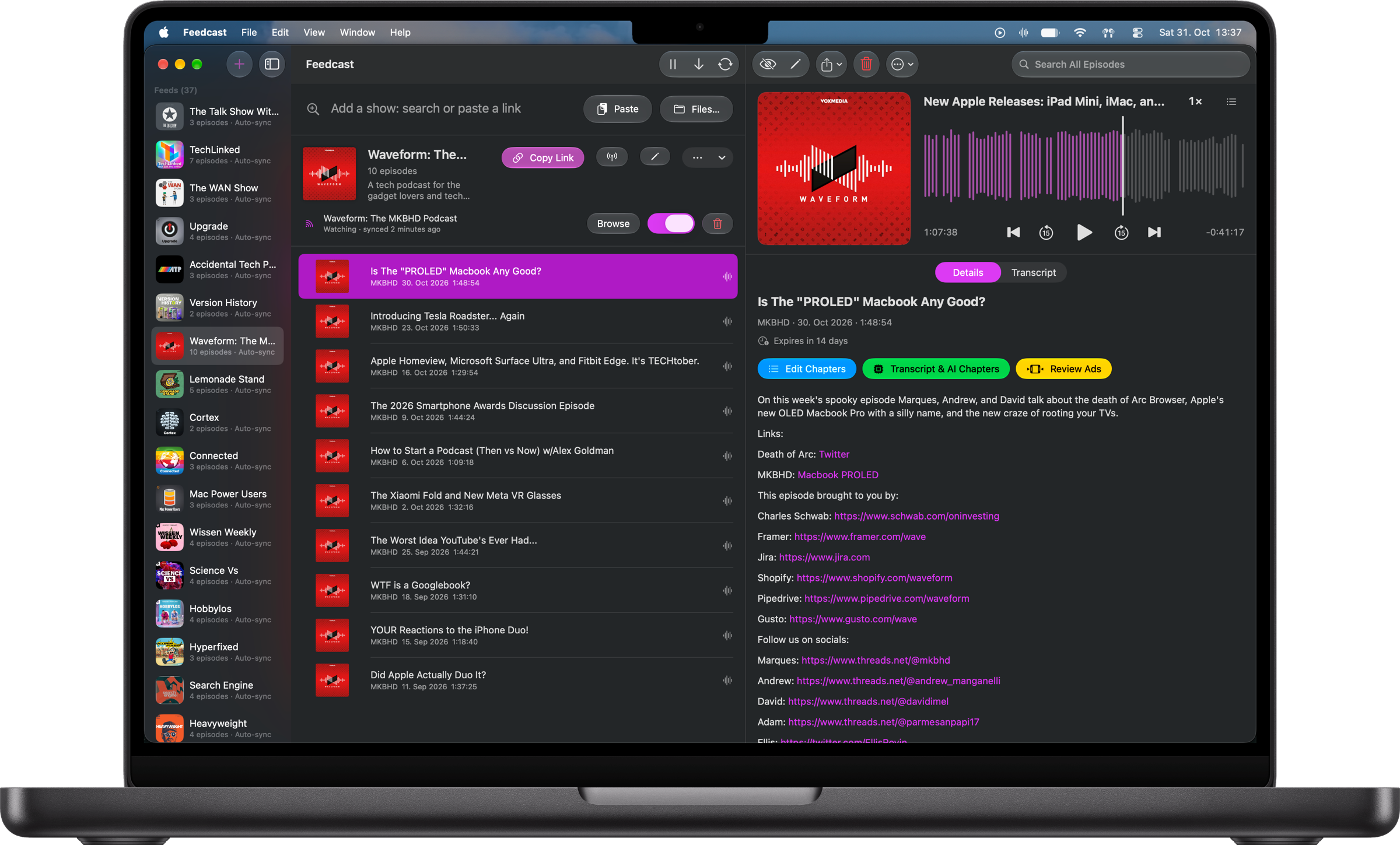
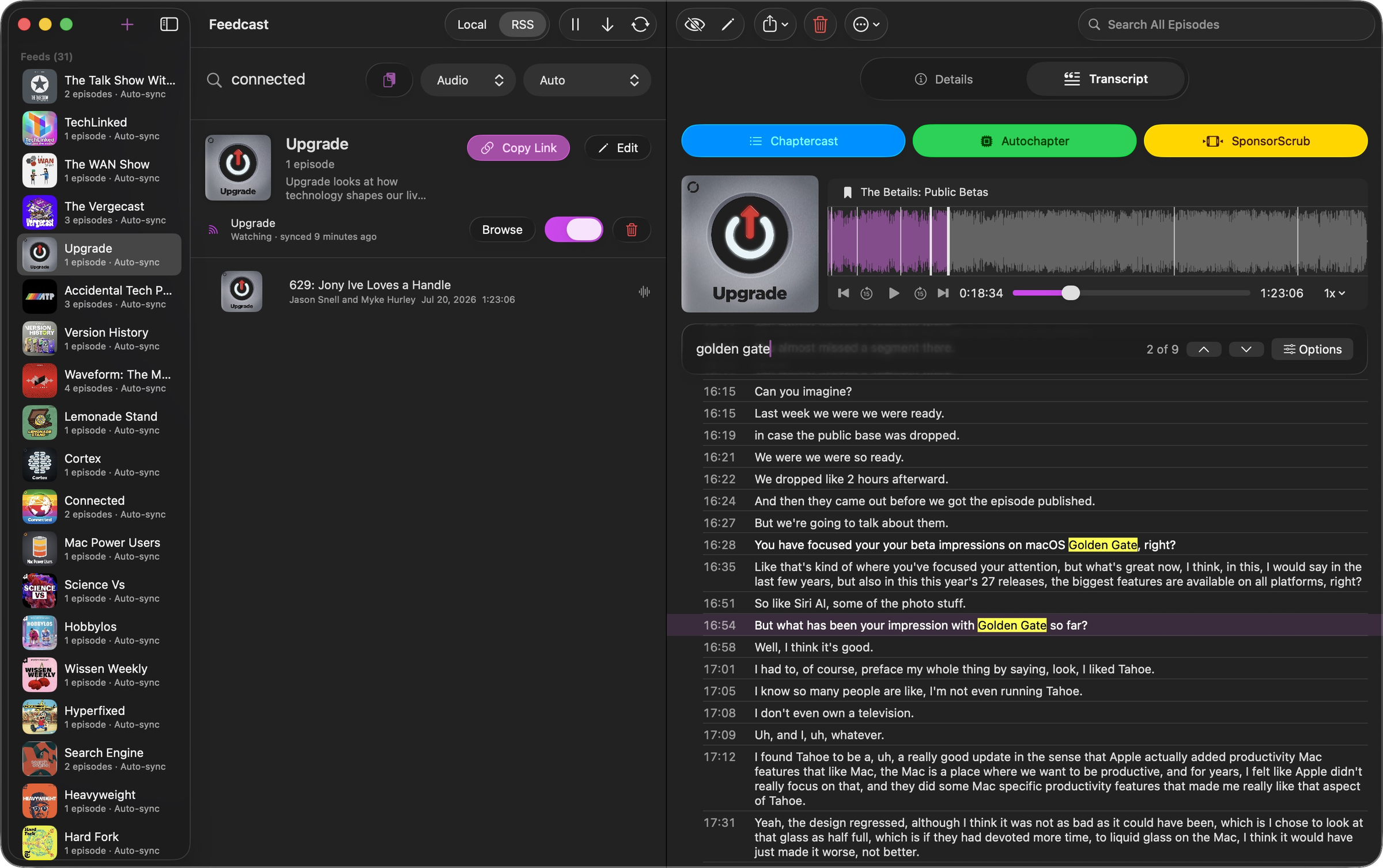
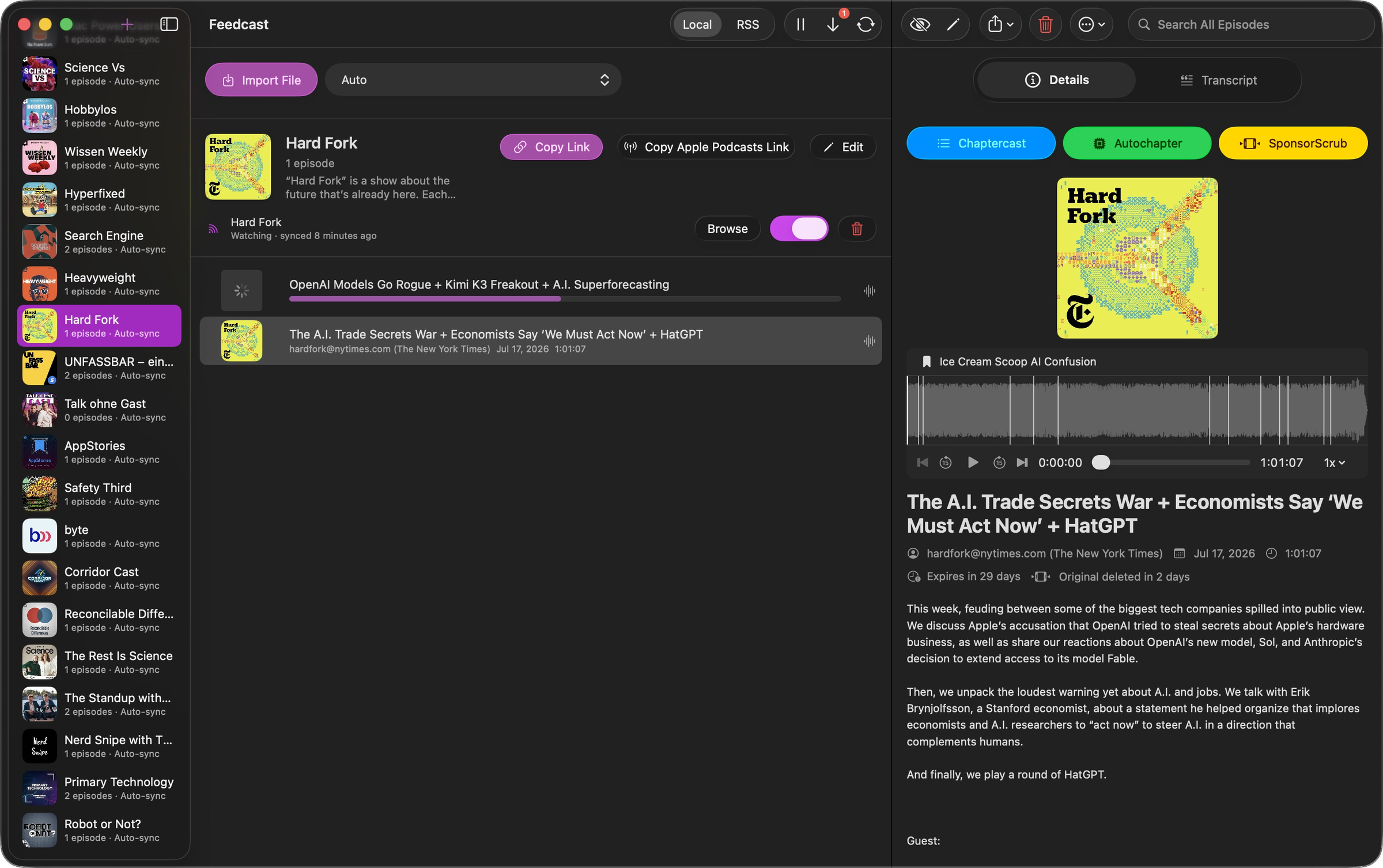
These are free to use in coverage of Feedcast. Please do not alter the app icon, and please do not suggest an endorsement beyond the subject of the piece. All screenshots show Feedcast 4.2 in dark appearance.

Press and review contact
For questions, review access, a Premium code, an interview or an asset that is not here, write to contact@feedcast.org. Linking coverage to feedcast.org keeps readers pointed at the current information.